
Welcome to Star Citizen - A Simple, Friendly Guide for a New Player
This button takes you directly to the official Star Citizen signup page.
You’ll get the standard new‑player bonuses, and you’ll be supporting this guide.
Your First Session: A Simple Plan for New Players
1. Pick a starting location
Once you are done creating your character and you click Persistent Universe, you'll be asked to pick a System and Starting location.
This choice determines where you respawn and where your first ship is stored, so it’s worth picking a place that makes your first few sessions easier.
You’ll see three system options:
Stanton - Best for New Players
Stanton is the most complete and stable system in the game. It’s law‑abiding, well‑mapped, and has the most beginner‑friendly cities. If you’re brand new, this is the smoothest place to start.
Pyro - Lawless, High‑Risk Start
Pyro is intentionally dangerous. It’s built around conflict, limited security, and more unpredictable encounters. It’s exciting, but not ideal for learning the basics.
Nyx - Newest System, Still Incomplete
Nyx is interesting to explore, but it’s not fully fleshed out yet. Mission variety is limited, and it’s not designed as a first‑time starting point.
2. Call Your Ship for the First Time
You'll either wake up in your hangar or in the HABS, pending on how the game is feeling. If you waking up in the Hangar, then you'll skip a bunch of walking steps. This was a QoL feature they put in to help players get to their ships faster on their home planet.
Head to the ASOP Terminal and retrieve your starter ship. The ASOP Terminal is the big yellow orangish screen and will be the main way you call up and store ships.
3. Run a Simple Delivery Mission
This is the perfect first activity because it teaches:
Navigation
Quantum travel
Landing
Picking up and delivering cargo
It’s low‑risk, low‑stress, and builds confidence fast.
First off, welcome!
Who am I?
My name is Brian, or MeatheadMilitia on Twitch. I’m a long‑time Star Citizen player and someone who has worked in the video game industry for over a decade. When I first joined Star Citizen, the learning curve felt huge, so I put together this simple guide to help new players get past the first hurdle and start enjoying the game faster.
First, let's get your account set up!
If you choose to create your account using my link above (blue button), you’ll get a small in‑game bonus to help you start your journey, and it also supports me as I continue making guides like this one. It’s completely optional, it just helps both of us out.
To create an account, click the "Create Your Account Here" button above to go to the official Star Citizen signup page.
Once your account is created, I’ve put together a quick guide covering the four best starter ships in Star Citizen and what playstyle each one is best for.
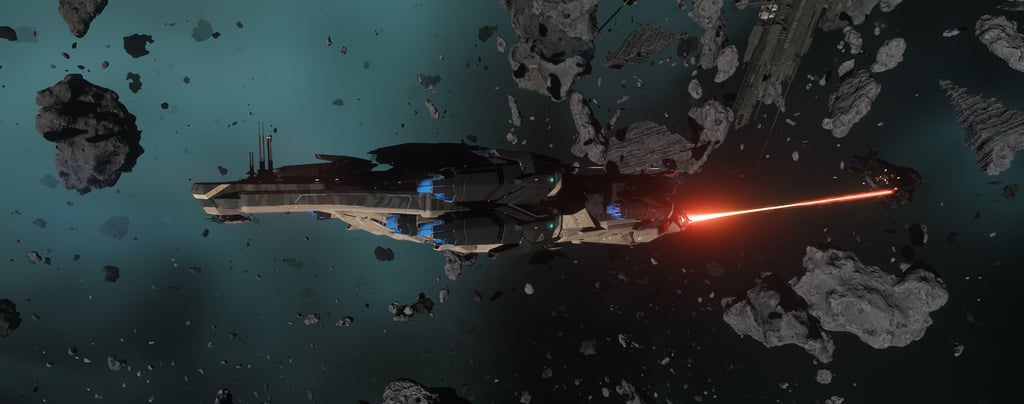
4. Visit a Major City or Station
From Area 18: Take Your First Trip to Baijini Point (the Riker Memorial Station)
If you picked Area 18 as your starting destination then you will want to look for Baijini Point, the orbital station directly above ArcCorp.
It’s the perfect training run because it teaches the fundamentals without overwhelming you.
Why this is the ideal first trip:
Short flight - just a few minutes, so mistakes aren’t punishing
Easy quantum jump - one button, one target, no confusion
Clear landing zones - great for learning approach and pad etiquette
Shops and terminals - lets you practice buying gear and storing items
Safe environment - no hostile NPCs, no crime risk, no pressure
What you’ll learn on this trip:
How to quantum travel from a planet to an orbital station
How to request landing at a busy hub
How to navigate a station interior
How to store your ship and retrieve it again
How to buy basic armor, medpens, and ammo
What to do once you arrive:
Land and store your ship
Walk around the Galleria to get familiar with shops
Buy a medpen or a cheap armor set (optional but helpful)
Retrieve your ship again and fly back to Area18
This single loop builds more confidence than any tutorial
5. Don't Rush Into Combat
Save it for session two or three, once you’re comfortable flying and navigating.
6. Expect Bugs
If something breaks:
Alt+F4 surprisingly fixes a lot of things in the game
The game treats it like a crash and will load you into the game in the same spot when you re-launch into a server
Every player deals with this. You’re not doing anything wrong.
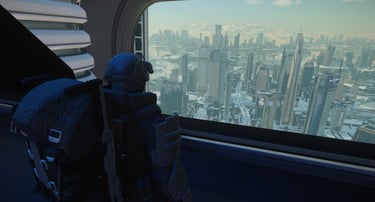
Again, this is very much an early introduction guide, there is much to learn, even I'm still learning. If you ever have any questions feel free to message me on Twitter, Stop by a Stream on Twitch, or Join our Community on Discord.
We all love talking Star Citizen!
The Social Icons below will direct you to the proper locations :)
Arena Commander Offline (Free‑Fly)
Do not sleep on Arena Commander, it is a staple location for new and veterans alike. It is a great place to practice EVERYTHING.
Why It’s Great
Instant respawns - crash your ship and you’re flying again in seconds
No other players - no PvP, no griefing, no interruptions
Perfect for testing controls - keybinds, HOTAS/HOSAS, sensitivity, decoupled mode
Zero travel time - no trains, no hangars, no 5‑minute corpse runs
Safe environment - no crime stats, no gear loss, no pressure
Recommended System Setup
For the best experience, I strongly recommend having at least 32GB of RAM and installing Star Citizen on an NVMe SSD. The game is still in active development, so it can use more resources than a typical polished release. Running it on fast storage and with enough memory helps reduce stuttering, improve loading times, and make the overall experience much smoother.
Graphics Card & Performance Notes
A GTX 1080 is perfectly fine for getting started in Star Citizen. Obviously, stronger hardware will give you smoother performance, and a faster CPU always helps, but you can still enjoy the game on the minimum requirements.
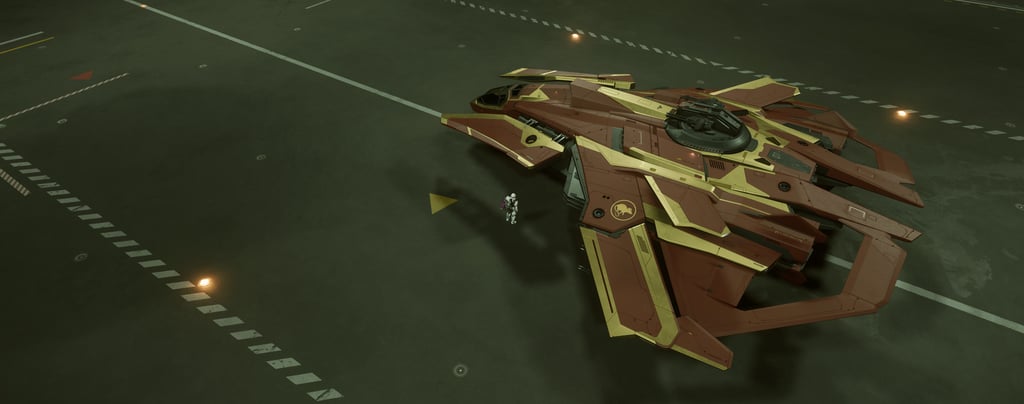
This is an independent, player‑made guide and is not affiliated with Cloud Imperium Games.